
By Fred Flamer
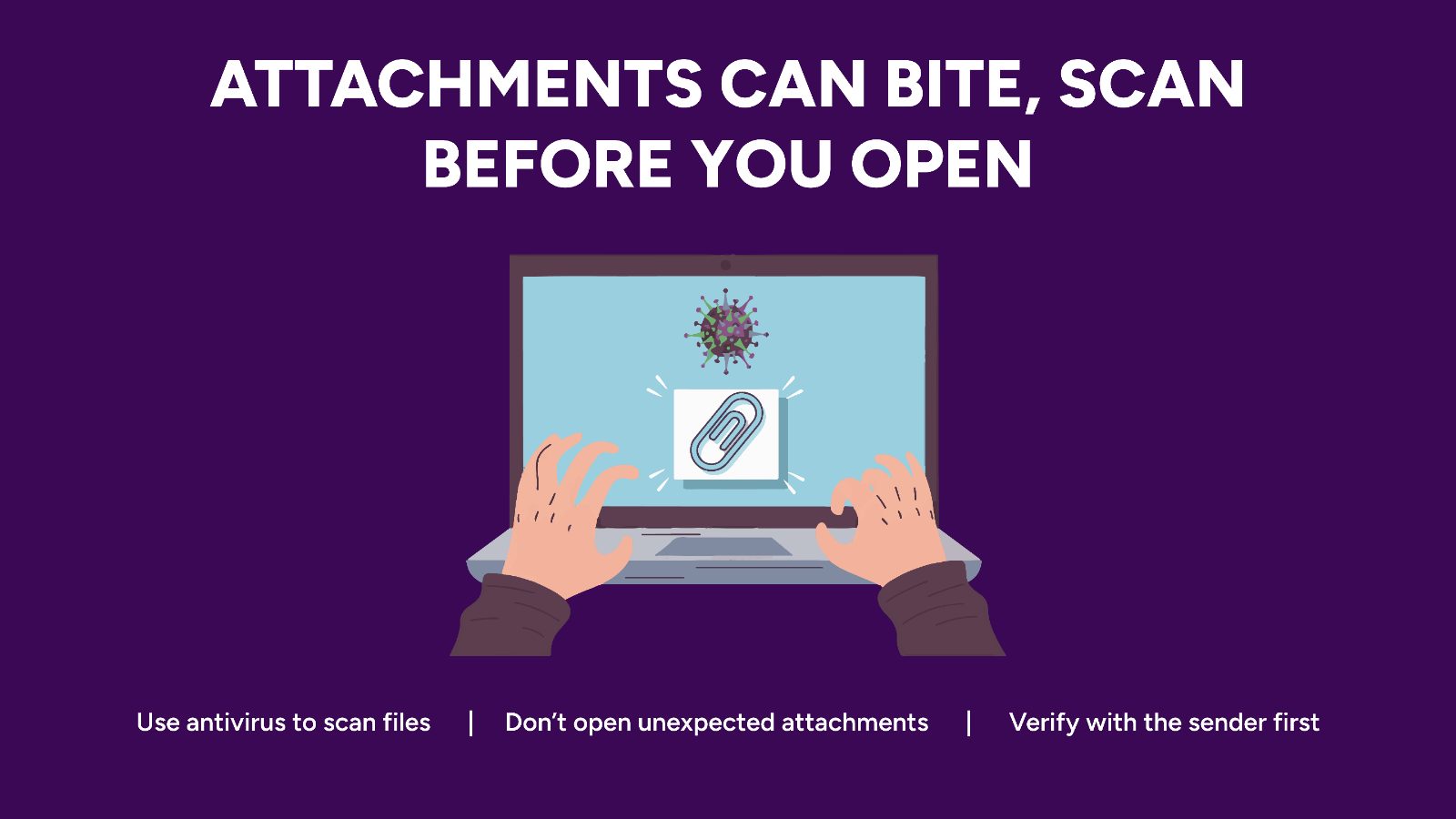
I wanted to take some time to explain what malicious attachments are because they continue to be one of the most common ways that cybercriminals compromise computers and steal information.
The simplest way that I can explain it is this: a malicious attachment is a file that has been attached to an email, text message, or download by someone with malicious intent. The goal of that file is usually to infect, trick, spy on, or otherwise compromise your device when it is opened.
Unfortunately, these files are rarely obvious. Attackers know that most people would never willingly open a file named "virus.exe", so they disguise them as things that appear normal and routine.
Some common examples include:
- Invoices
- Shipping notifications
- Password reset documents
- Resumes
- Tax documents
- PDF files
- Microsoft Word or Excel files
- ZIP or RAR compressed files
I know that this is a lot, but anytime you receive an attachment that you were not expecting, your internal antenna should immediately go up.
One of the first things I look for is the file extension. A file extension is simply the last part of the file name that appears after the period.
Examples include:
- report.pdf
- picture.jpg
- document.docx
There are several file extensions that deserve extra caution:
- .exe
- .zip
- .rar
- .docm
- .xlsm
- .js
- .lnk
Some of these are used legitimately, but they are also frequently abused by attackers.
Of all of them, the most common and potentially dangerous is ".exe", which stands for executable. In simple terms, an executable file is designed to run software on your computer. If that software happens to be malicious, opening it can immediately compromise your device.
Attackers also use a trick known as a "double-extension" file. Examples include:
- invoice.pdf.exe
- photo.jpg.scr
- receipt.docx.exe
At first glance, these files may appear to be harmless documents or pictures. In reality, the final extension determines what the file actually is.
The good news is that companies like Microsoft and Google automatically scan many attachments before they reach your inbox. These protections stop countless threats every day. However, attackers are constantly looking for ways to bypass those defenses, and occasionally they succeed.
For that reason, I follow a simple rule:
If I wasn't expecting the attachment, I don't open it until I verify it.
That verification might be as simple as checking the file extension, calling the sender, or sending them a quick message to confirm they actually sent it.
When in doubt, delete it.
A few seconds of caution can prevent malware infections, identity theft, financial fraud, and even ransomware attacks.
In cybersecurity, sometimes the safest click is the one you never make.
-Fin-
#SeniorSecured #MaliciousAttachments #ThinkBeforeYouClick #EmailSafety #StopThinkVerify
© 2026 Fred Flamer. All Rights Reserved.