
By Fred Flamer
"Phishing" is one of the most common social engineering scams in existence today.
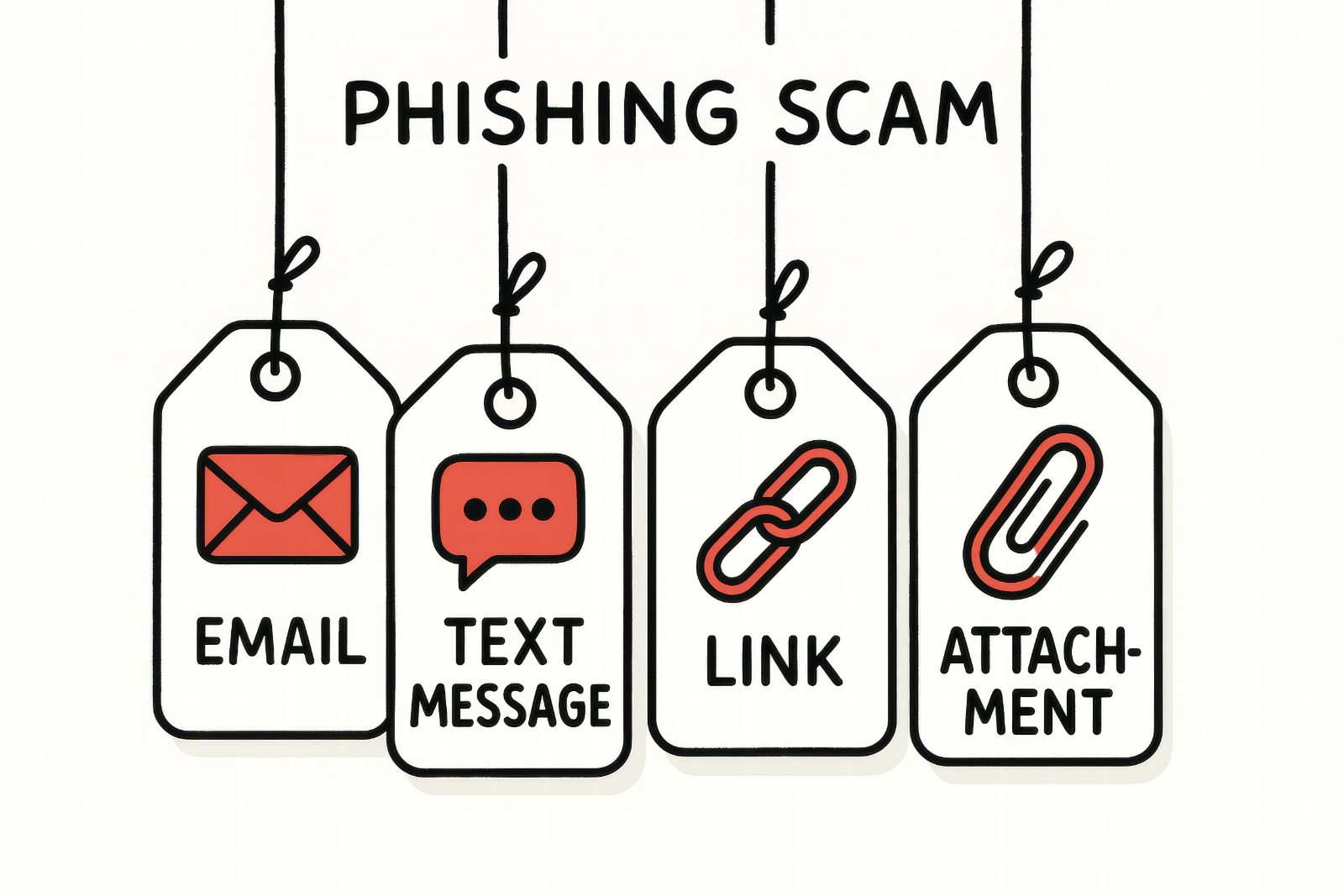
Phishing occurs when criminals attempt to trick or deceive individuals into providing sensitive information such as usernames, passwords, account numbers, Social Security numbers, or other personal information. The most common method of executing a phishing attack is through email, where fraudulent messages are sent pretending to be from banks, businesses, government agencies, healthcare providers, delivery services, relatives, or other trusted organizations.
The goal is simple: gain your trust and convince you to provide information that can be used to steal your money, compromise your accounts, or even steal your identity.
Many phishing emails look surprisingly legitimate. They often contain company logos, professional formatting, official-looking language, and urgent requests that appear authentic. In some cases, the email may look nearly identical to a legitimate message from a trusted organization.
This is why one of the best pieces of advice I can offer is simple:
Be skeptical and act slowly.
Criminals want you to react emotionally. They want you to panic, become excited, or feel pressured into taking immediate action.
Any message that creates a sense of urgency should be carefully scrutinized.
Before clicking a link, ask yourself:
- Was I expecting this email?
- Do I recognize the sender?
- Does this request make sense?
- Is the sender trying to rush me?
One useful habit is to hover your mouse pointer over links and sender information to see where they actually lead. Sometimes a message may appear to come from a trusted source, while the underlying email address tells a very different story.
If you are unsure whether a website is legitimate, take a close look at the web address before entering any information. Most web browsers also provide information about the website’s connection and security certificate. I also recommend downloading “VirusTotal”. VirusTotal allows you to paste a URL/Link into the application’s searchbox, and it will scan the link for you, and give you an idea as to whether it is safe or not, but this not with 100 percent certainty. It depends on how new the link is in reference to when it was created, among a few other factors, but generally, VirusTotal is a great tool to as an investigative starting place. There are other things that you can do in combination with VirusTotal that will go a long way to keeping you safe.
If you have doubts, don't guess.
Reach out to someone you trust who has some technical knowledge and ask for a second opinion. Don’t hesitate to do a quick google search of the e-mail subject before deciding to click. Sometimes, there will be scam alert information online.
One rule that I personally follow is to never use contact information provided in a suspicious email, text message, or pop-up. If I need to verify something involving my bank, healthcare provider, or another important organization, I use a phone number or website that I have successfully used in the past.
The same principle applies when paying bills online. I typically use trusted bookmarks that I have relied upon for years to access my bank, credit card companies, and other financial institutions. By using established bookmarks, I reduce the chances of accidentally visiting a fraudulent website.
Ways to Protect Yourself from Phishing
• Do not click links in emails or messages that you are not expecting or do not recognize.
• Enable Multifactor Authentication (MFA). It may feel inconvenient at times, but it is one of the most effective ways to protect your accounts. Think of MFA as an insurance policy for your digital life.
• Keep your operating system, web browsers, and applications updated with the latest security patches.
• Use spam filters and phishing protection features whenever available.
• Create strong, unique passwords for each account. Password phrases that are easy for you to remember but difficult for others to guess are often excellent choices.
• Never provide usernames, passwords, or verification codes to anyone unless you have independently verified who they are.
• Verify suspicious requests through a trusted communication method rather than responding directly to the message.
• Pay attention to scam alerts, fraud warnings, and security notifications. They exist for a reason.
Remember, most phishing attacks succeed not because the technology is sophisticated, but because the criminal successfully convinces someone to trust them.
Slow down.
Verify.
Think before you click.
Those three simple habits can prevent a tremendous amount of heartache.
-Fin-
#PhishyScams #SeniorSecurityAware #SeniorCyberScams
© 2026 Fred Flamer. All Rights Reserved