
By Fred Flamer
This is a tricky one.
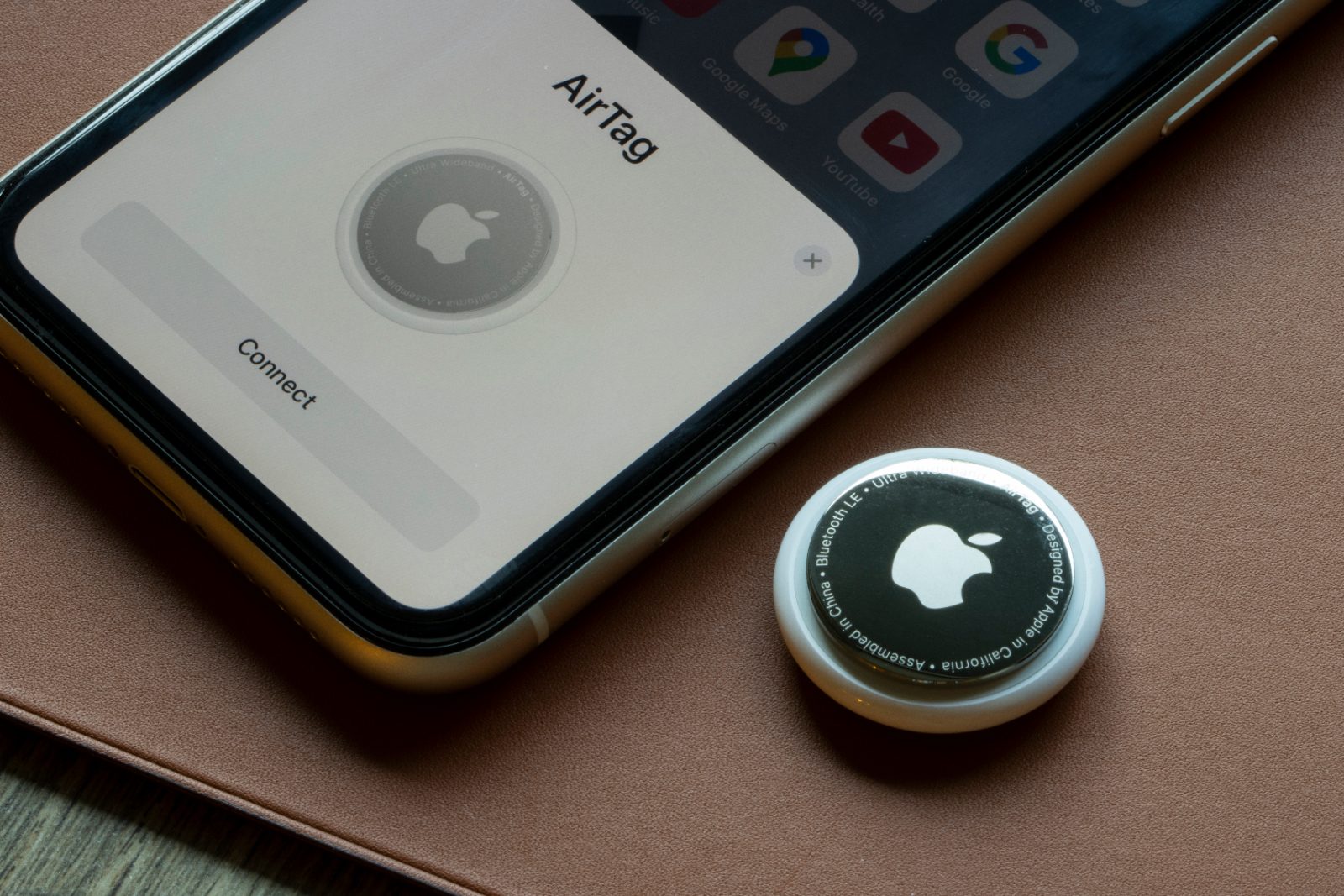
Locator tags such as Apple AirTags were designed to help people keep track of their belongings. Most people use them for legitimate purposes like locating keys, luggage, backpacks, wallets, or other valuables. Unfortunately, as with many forms of technology, there are individuals who have discovered ways to use them for unlawful surveillance and to further criminal activity.
A story comes to mind.
A young woman was spending time at a dog park with two French Bulldogs, one of which was pregnant. While at the park, a stranger struck up a friendly conversation and asked if it would be okay to pet the dogs. Permission was granted, and the interaction seemed harmless.
Later, it was suspected that the individual may have attached a locator tag to one of the dogs. Over time, the dogs' location was allegedly tracked, and the animals were eventually stolen.
That is certainly an extreme example, but it illustrates an important point:
The danger is not necessarily the AirTag itself.
The danger is what someone chooses to do with the information the AirTag provides.
Over the years, there have been numerous reports of locator tags being discovered on:
- Vehicles
- Luggage
- Expensive bicycles
- Handbags and purses
- Backpacks
- Personal property
While most tags are being used exactly as intended, it is important to understand that they can also be misused by individuals with bad intentions.
Understanding Locator Tags
Apple AirTags are probably the most widely recognized locator tags because Apple has built an enormous device ecosystem capable of helping locate lost items.
However, Apple is not the only player in this space.
Other popular tracking devices include:
- Samsung Galaxy SmartTag2
- Tile Mate
- Tile Pro
- Chipolo trackers
- Other Bluetooth-based tracking devices
The technology itself is not inherently dangerous. The concern arises when someone places a tracker on a person, pet, vehicle, or item without permission.
Trust Your Gut
One theme that appears throughout many of the topics I write about is this:
Trust your instincts.
If you have recently experienced a situation that made you uncomfortable, pay attention to unusual patterns.
Examples include:
- Repeated sightings of the same vehicle
- Someone appearing to know your location unexpectedly
- Unexplained knowledge of your movements
- Receiving tracker alerts while traveling
- Hearing unexplained beeping sounds
None of these things automatically mean that you are being tracked.
However, they should raise your internal antenna and encourage you to investigate further.
iPhone and Android Protection
If you own an iPhone, Apple may display a notification such as:
"AirTag Found Moving With You"
Do not ignore these alerts.
Apple introduced these warnings specifically because criminals began misusing tracking devices.
A few years ago, Android users faced a different problem. An Android device could not reliably detect an Apple AirTag moving with them. That created a significant security concern.
Fortunately, the situation has improved considerably.
Many modern Android devices now include built-in tracker detection capabilities. Android users can also install tracker-detection applications that help identify unknown tracking devices nearby.
Technology has improved, but awareness is still your first line of defense.
What To Do If You Find a Suspicious Tracker
If you discover a locator tag that you believe was placed without your permission:
- Photograph the device where it was found.
- Document the date, time, and location.
- Preserve any information displayed by your phone.
- Contact law enforcement if you believe criminal activity is involved.
Depending on the circumstances, it may also be advisable to avoid unnecessarily handling the device. In some situations, investigators may wish to examine the tracker or the area where it was found.
If your immediate concern is stopping the device from transmitting location information, many trackers can be disabled by removing the battery. Numerous manufacturer instructions are available online that explain how to safely do so.
Ways to Protect Yourself
- Enable tracker alerts on your phone.
- Install tracker-detection applications if available.
- Investigate unexpected notifications.
- Pay attention to unexplained beeping sounds.
- Inspect vehicles, bags, and personal belongings if concerns arise.
- Check wheel wells, bumpers, under seats, and other concealed areas of vehicles.
- Be especially mindful after first dates, online marketplace transactions, public events, or disputes with former partners.
- If your phone warns that an unknown tracker is moving with you, investigate before returning home.
Final Thoughts
AirTags and other locator tags are remarkable tools when used as intended. They help people recover lost property every day.
Unfortunately, the same technology can also be abused by individuals seeking to monitor, follow, or target others.
The good news is that awareness has improved, detection tools have improved, and both Apple and Android devices now provide better protections than they did just a few years ago.
As with many safety issues, the goal is not to become paranoid.
The goal is simply to remain aware.
Most people will never encounter a maliciously placed tracker. But if you do, recognizing the warning signs early may prevent a much larger problem later.
-Fin-
#AirTagAware #SeniorProtect #SecurityAware
© 2026 Fred Flamer. All Rights Reserved.