
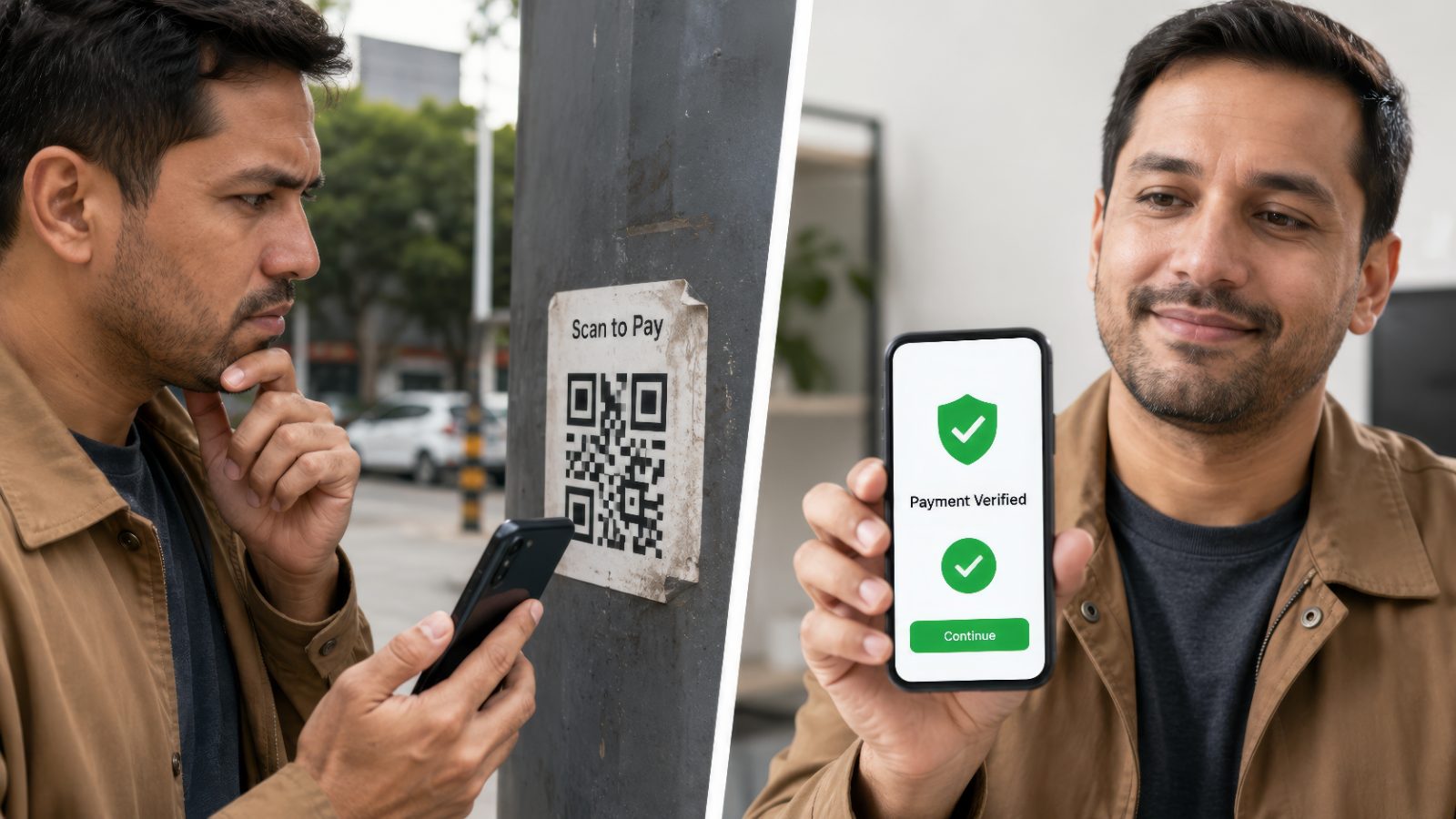
Quishing (QR “Quick Response” Code Scams)
By Fred Flamer
"Quishing" is a form of Social Engineering where attackers use malicious QR (Quick Response) codes to redirect victims to fraudulent websites, malware downloads, fake login pages, or other scams designed to steal information.
Quishing is one of the newest members of the growing family of "ishing" scams that we have discussed so far.
Unlike phishing, which relies on email, vishing, which relies on voice calls, and smishing, which relies on text messages, quishing relies on QR codes.
The challenge with QR codes is that you often cannot immediately see where they are taking you. You simply scan the code, and your device does the rest.
Unfortunately, scammers know this.
Physical QR Code Scams
If you encounter a QR code in the wild, don't be afraid to inspect it carefully.
There have been documented cases where criminals placed fraudulent QR code stickers directly over legitimate QR codes found on parking meters, payment kiosks, advertisements, and public displays.
The victim believes they are scanning a legitimate QR code, but in reality, they are being redirected to a fraudulent website controlled by the scammer.
If a QR code appears damaged, altered, poorly attached, or suspicious, trust your instincts and avoid scanning it.
Sometimes simply running your hand over a QR code sticker can help determine whether another sticker has been placed over the original code.
Digital QR Code Scams
Be especially cautious of QR codes that arrive unexpectedly through:
- Text messages
- Emails
- Social media messages
- Messaging applications
Be suspicious of QR codes that:
- Arrive unexpectedly
- Create urgency or fear
- Claim your account is compromised
- Request passwords or MFA codes
- Promise prizes, gifts, or rewards
- Request software installations
- Demand immediate action
Remember, scammers often try to create a sense of urgency because they do not want you to stop and think.
How to Verify a QR Code
Here are several ways to protect yourself before interacting with a QR code:
• Pause and carefully review the destination URL before opening it.
• Look for misspellings or unusual wording within the web address.
• Examine the domain name carefully.
• Be cautious of shortened or strange-looking web addresses.
• If you have doubts, visit the organization's official website directly rather than using the QR code.
• Pay attention to QR code scam alerts and fraud warnings.
For example:
Legitimate-looking URL:
bankofamerica.com
Suspicious-looking URL:
bankofamerica-security-login.net
At first glance, both may appear legitimate.
Upon closer inspection, however, only one belongs to the actual organization.
A Senior-Friendly Rule of Thumb
Whenever you encounter a QR code, remember these four steps:
Stop
Don't rush.
Scan
Use your device to preview the code.
Preview
Review the destination website before opening it.
Verify
Confirm the website, business, or request before clicking, logging in, downloading, or paying.
If something feels off, trust your instincts and investigate further.
Final Thoughts
QR codes can be extremely convenient, but convenience should never replace caution.
Remember:
Just because a QR code appears legitimate doesn't mean it is.
Slow down.
Verify where the code is taking you.
And never let urgency make decisions for you.
QR Code = Quick Response Code
(that you should not be so quick to respond to!) 😄
URL = Uniform Resource Locator
MFA = Multifactor Authentication
-Fin-
#SeniorSecured #QRCodeScams #Quishing #ScanWithCaution #CyberScamAwareness
© 2026 Fred Flamer. All Rights Reserved.