
By Fred Flamer
Ahhh, if you're of a certain age, you probably remember when televisions had picture tubes, weighed a ton, and required you to get out of your comfortable chair just to change the channel!
And having a remote control? That was once considered a luxury!
My, how times have changed.
Today's smart televisions are definitely not your grandparents' TVs. In fact, a smart TV is essentially a computer that happens to display television programs.
It has an operating system, internet connectivity, applications, privacy settings, and sometimes microphones, cameras, and sophisticated data-collection capabilities.
And that's where things get interesting.
Your Television Doesn't Have to Be Hacked to Collect Your Information
Here's something many consumers don't realize: Your television can collect information about you without ever being hacked.
Some smart TVs use Automatic Content Recognition (ACR), a technology that identifies programs, movies, advertisements, and other content displayed on your screen, sometimes even through connected HDMI devices.
Why?
Because your viewing habits have commercial value.
Manufacturers and their partners may use this information for targeted advertising, audience measurement, and personalized recommendations.
Some consumers appreciate these features. Others may not want their viewing habits monitored.
Fortunately, many televisions allow you to limit or disable optional ACR and advertising-related data collection through their privacy settings.
"Technology should serve the consumer—not quietly turn the consumer into the product."
Does Your Television Have Eyes and Ears?
Some smart TVs have microphones for voice commands, while certain models include or support cameras.
Ask yourself:
- Does my television listen for voice commands even when I'm not pressing a button?
- Are my voice commands recorded or transmitted elsewhere?
- Can I disable the microphone or camera when they're not needed?
Remember, legitimate manufacturer data collection is different from a criminal secretly accessing a compromised device.
And disabling a microphone doesn't necessarily stop ACR from collecting viewing information. Those are separate features.
You should know whether your television can see or hear you—not just whether you can see and hear it!
You Bought the Television. Who Benefits From Your Data?
Here's something worth considering.
You might spend hundreds or thousands of dollars purchasing a television, yet its manufacturer may continue generating revenue through advertising and data-related services.
You paid for the television, but information about how you use it may also have commercial value.
There's an old saying:
"If you pay little, or nothing for a service or product, you are most likely the product!"
That's not always true, and paying more doesn't guarantee privacy. Nevertheless, it's a reminder to consider how technology companies make money.
Don't Forget Security Updates!
Because your smart television is essentially a computer, it requires software updates just like your phone or laptop.
Updates can fix security vulnerabilities, improve performance, and correct software problems.
Enable automatic updates when available, and occasionally check whether your television is still receiving security support.
An outdated smart TV may become increasingly vulnerable as new security weaknesses are discovered.
We certainly didn't have to worry about that with our old picture-tube televisions!
LOL!
A Little Advice for My Fellow Tech Nerds
If your home router supports it, consider connecting your smart TV to a separate guest or Internet of Things (IoT) network.
This can help separate smart devices from computers containing sensitive personal information.
Not every guest network provides true isolation, however, so check your router's capabilities.
Think of it as keeping your valuables in separate compartments instead of one unlocked room.
Be Careful What You Install
In my earlier article, "Superboxes & Forever Streaming Sticks," I discussed the risks associated with questionable streaming devices and applications.
Similar concerns apply to smart TVs.
Avoid unofficial applications, suspicious streaming services, and offers promising unlimited premium entertainment for little or nothing.
Your television may contain saved streaming credentials, viewing histories, and account information that could be exposed through compromised applications or accounts.
And before selling or donating your television, remember to remove your accounts and perform a factory reset.
You don't want the next owner inheriting access to your personal information!
Those Privacy Agreements Matter
When setting up a smart TV, you'll encounter privacy notices and requests for permission.
I know. Most of us would rather watch television than read pages of legal agreements!
But take a moment to review them.
Some data collection is necessary for requested services. Other features, including certain advertising and viewing analytics, may be optional.
Decline optional permissions you're uncomfortable with.
Convenience should not automatically come at the expense of privacy.
Seven Practical Smart TV Safety Tips
- Review privacy settings. Look for ACR, viewing-data collection, and personalized advertising. Disable optional features you don't want.
- Control microphones and cameras. Disable unused voice activation and disconnect or cover cameras when appropriate.
- Keep software updated. Enable automatic updates and check whether your television still receives security support.
- Consider a separate network. Use an appropriately isolated guest or IoT network when supported.
- Install trusted applications only. Avoid questionable streaming services and unofficial software.
- Protect your accounts. Use strong, unique passwords and multifactor authentication where available.
- Factory-reset before disposal. Sign out of accounts and remove the television from associated online services before selling, donating, or recycling it.
One Final Thought
If you don't need your television's internet-connected features, consider disconnecting it from the internet.
You can still use connected devices through HDMI, although those devices have their own privacy considerations. Disconnecting may also disable streaming features and automatic updates.
My purpose isn't to discourage anyone from enjoying modern technology.
Quite the opposite.
I want consumers, particularly older adults, to understand that today's televisions are far more sophisticated than the models we grew up with.
And with that sophistication comes the responsibility to understand what information our devices collect and how we can control it.
You don't have to abandon technology to protect your privacy. You simply need to understand what you're sharing, with whom, and what you can do about it.
So the next time you grab your remote control and settle in to watch your favorite program, ask yourself:
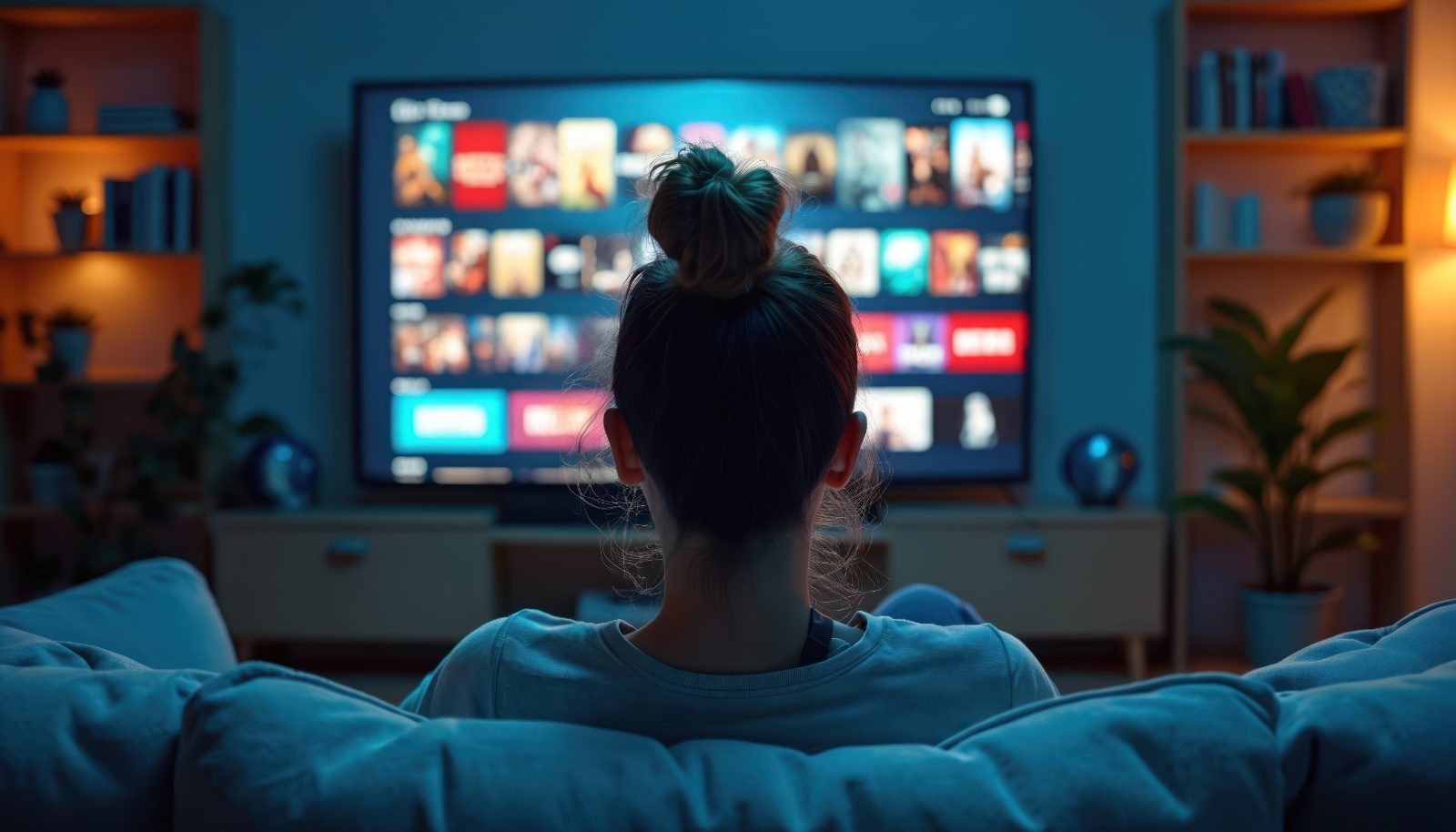
Are you watching television, or is television watching you?
Stay informed. Stay vigilant. Stay SeniorSecured.
SeniorSecured.org
#SeniorSecured #SmartTVPrivacy #CyberSecurityAwareness #ProtectYourPrivacy #DigitalPrivacyMatters
© 2026 Fred Flamer. All Rights Reserved.